Scheduled Webinar
•
1 hr
Microsoft Excel PivotTables: Organizing Data
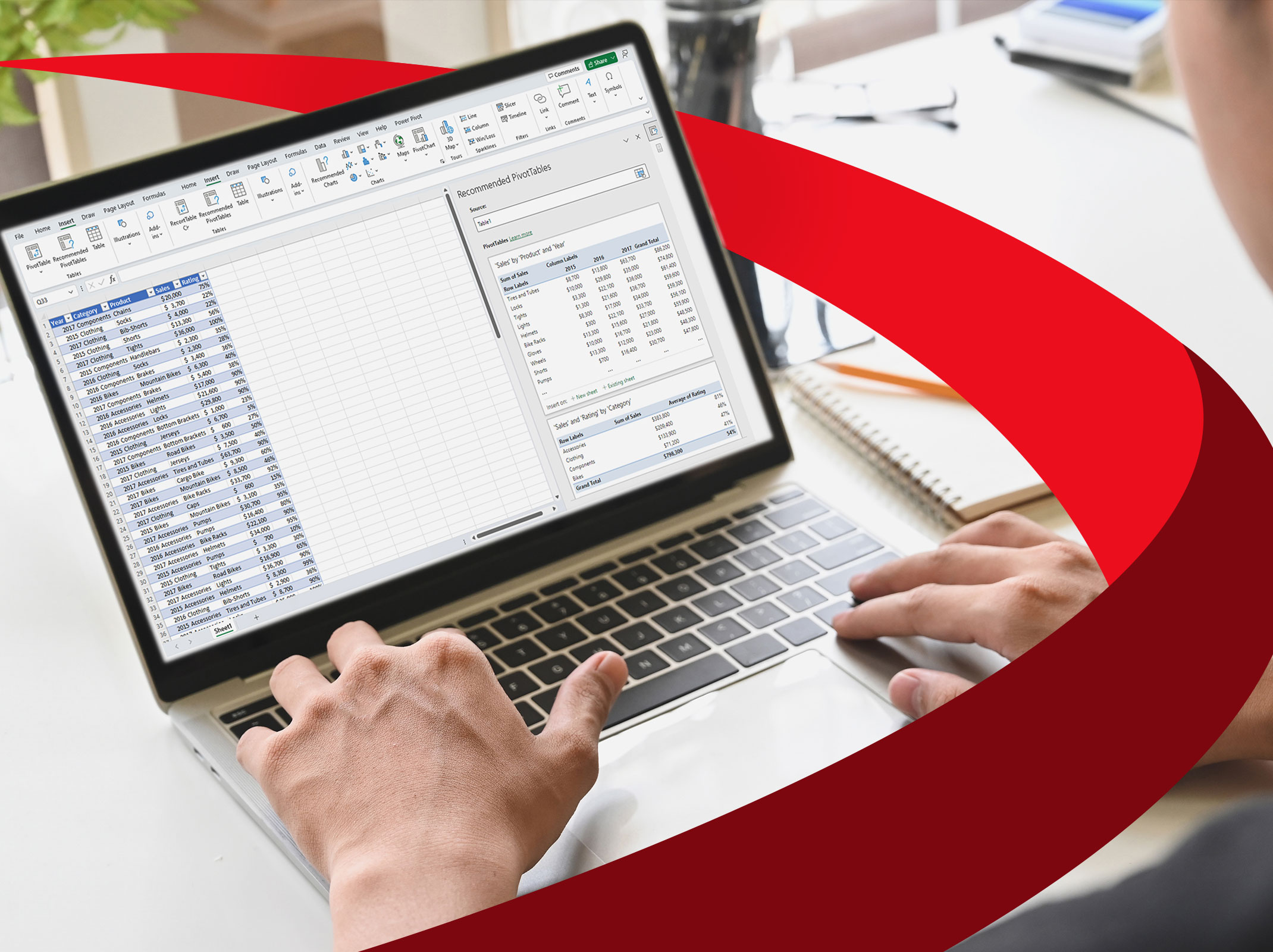
If your job requires you to sift through mounds of data, do yourself a favor and join us for this special hour of training on Excel PivotTables.
This one-hour webinar helps you unlock the power of PivotTables. It provides the knowledge and skills you need to become a PivotTable power user — able to easily sort through copious amounts of data for the information you need.
Register today and learn how PivotTables can help boost your productivity and make your job easier!
Course Outcomes
- Why PivotTable training is essential if you use Excel to sort large amounts of data
- How to create multiple PivotTables so you can analyze data from different business perspectives
- Time-saving shortcuts to easily group and ungroup data in your spreadsheet
- Easy steps for converting PivotTables into presentation-ready charts and graphs
- How to automatically update your PivotTable when source data changes — without macros
- How to group date-related data into months, quarters and years in 2 quick steps
- Tips for filtering data by adding a slicer — plus much more!
Event Dates & Locations
| Date | Time | Price | Action | ||
|---|---|---|---|---|---|
Scheduled Webinar
$
Bundle & Save
Save when you enroll multiple attendees!
Just $149 per person when you enroll 4+ learners
Included in
SkillPath Unlimited+Live
$499 per year
- Access this course and 6000+ other live virtual workshop sessions(includes live virtual events priced $399 or less)
- 500+ webinars broadcast daily
- 2,000+ on-demand resources
- And so much more!
More Courses in
FAQs
How does a webinar work?

Why should I choose a webinar?
What is a digital download?
What happens if I register, and then something comes up and I have to cancel?
What happens if I get disconnected during the webinar?
How do I contact Customer Service?
Related Courses

$